The Simple Guide to the Microsoft Word References Tab
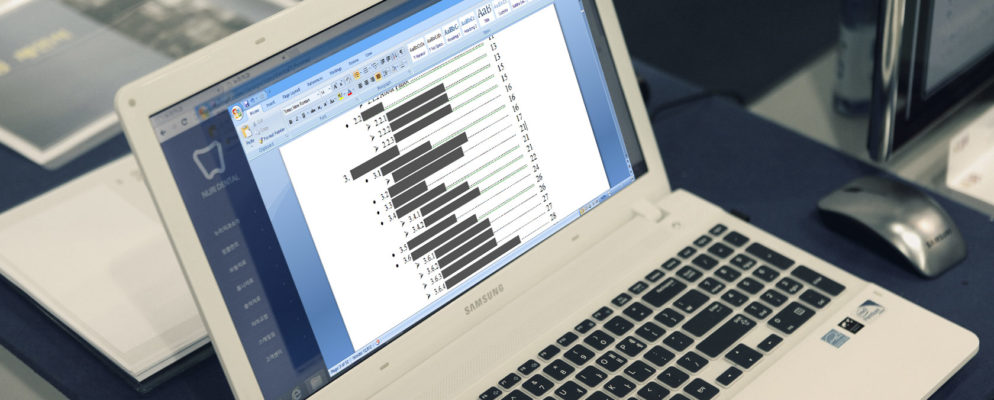
ms-word-references-tab-994x400While Microsoft Word is an easy-to-use application, you may find certain Word features to be intimidating. For students, writers, and academics, the References tab is a must-have feature. But if you have never used it or do not use it often, it can be scary. More of this article from MakeUseOf.com

How to Watch YouTube and Read Comments at the Same Time

i (2)Comments and YouTube have also got a bad rap. Google did its bit to improve YouTube comments with the Google+ powered commenting system. But the trolls and the toxic continue to blitzkrieg through your reading experience. Check out this article from MakeUseOf.com

Now you can control your smart devices from your Pixel, no Google Home required

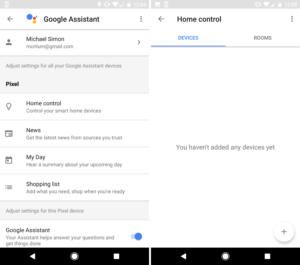
google-assistant-home-100708129-mediumOne of the best features of Google Home is the ability to control all of the smart devices in your house, letting you turn on the lights or set the thermostat without fiddling with any apps or controls. Now you can use Google Assistant on your Pixel phone to do the same thing.

How Windows Explorer can help you find duplicate files

explorer-organizer11-100701287-mediumOne of the most frequent questions at Answer Line is how to easily remove duplicate images. The short answer is a utility. We’ve covered those in the past, and most of the best ones, such as Duplicate Sweeper from Wide Angle Software, will set you back $20. But unless you’re supremely confident in it—and we never are with valuable memories—you pretty much wind up comparing everything anyway. More of this article from PCWorld.com

How to Change the Default Event Color in Google Calendar

google-calendar-chrome-670x335Google Calendar has a lot of nifty and useful features that should convince you to start using it if you aren’t already. And if you’re worried about being able to use it on any and all devices you have, don’t worry — it can sync everywhere. Get to know in this article from MakeUseOf.com

OneNote’s Best Organization Feature Is Hidden in Plain Sight

onenote-free-apps-670x335After Evernote crippled its free plan and had its questionable privacy policy exposed, OneNote is now the best note-taking app around. It’s completely free, available on every platform, and chock-full of useful features. Check out this article from MakeUseOf.com

Windows 10 Build 15031 slips in handy video and auto-locking features ahead of Creators Update

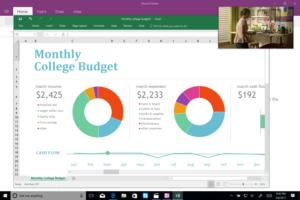
windows-10-compact-overlay-100707889-mediumWindows 10 has an answer for anyone who’d love to mess with your PC when you leave for lunch. The latest Insider Build 15031 includes a new “Dynamic Lock” feature that secures your machine when you’re not around. Another handy new feature is Compact Overlay for launching standalone video windows. Neither is fully operational yet, but it gives us a peek into some of the finer points to expect as Windows 10 moves toward the Creators Update. Get to know more of this article from PCWorld.com