How to Share Your Google Calendar With Anyone
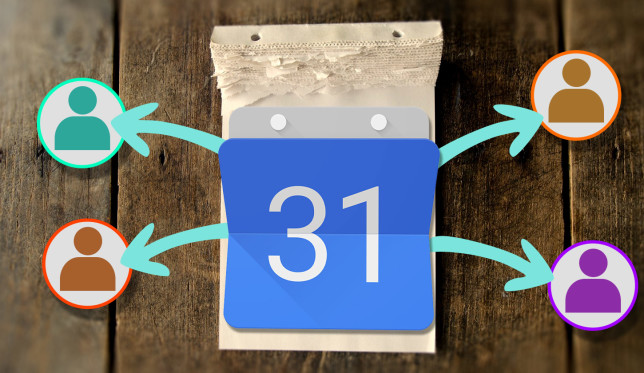
share-google-calendar-644x373Google Calendar is one of the world’s leading calendar apps. Its basic features are enough for most people, but with a few tweaks you can turn Google Calendar into a productivity powerhouse. Check out this article from MakeUseOf.com
4 Ways Windows 10 Is Wasting Your Internet Bandwidth

windows-10-internet-bandwidth-644x373Is Windows 10 wasting your internet bandwidth? Here’s how to check, and what you can do to stop it from this article in MakeUseOf.com

Windows 10 reinstallation tip: How to reset your PC and keep your files

Sometimes Windows needs a fresh start—maybe a program’s gone awry or a file’s been corrupted. Luckily, Windows 10 lets you do this with a few clicks. Check out this article from PCWorld.com

Why Is Chrome Using up So Much RAM? (And How to Fix It Right Now)

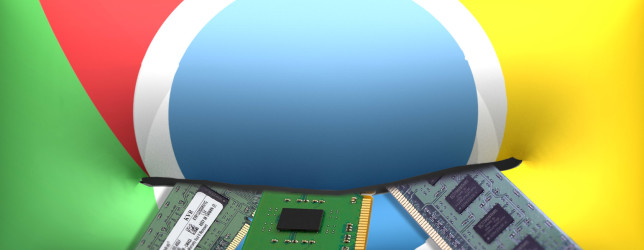
chrome-eats-ram-644x250If you’ve done any research at all into different browsers, you’re likely familiar with the fact that Chrome can be a bit of a resource hog — looking at Task Manager or Activity Monitor, you’ll often see Chrome at the top of the list. Get to know from this article in MakeUseOf.com

6 Impressive Gmail Tools You Might Have Missed

gmail-tools-644x373Gmail has been around for more than a decade. It’s already good, but there are plenty of Gmail tools to make it all kinds of better. We have covered some smart ones that improve your Gmail experience on Chrome, help you write better emails, and some that even help you with your job search. Check out this article from MakeUseOf.com
Windows 10 reinstallation tip: How to reset your PC and remove everything

There are two main reasons why you might want to reset Windows 10 and remove everything. One is if a program or setting really screwed up your PC—like that never happens—and you just need to start over. Another is if you plan to sell or recycle your PC, and you want to make sure the next person doesn’t get any of your stuff. Luckily, Windows 10 lets you start over with a few clicks. Check out this article from PCWorld.com

How to Manage Files in the Linux Terminal and Desktop

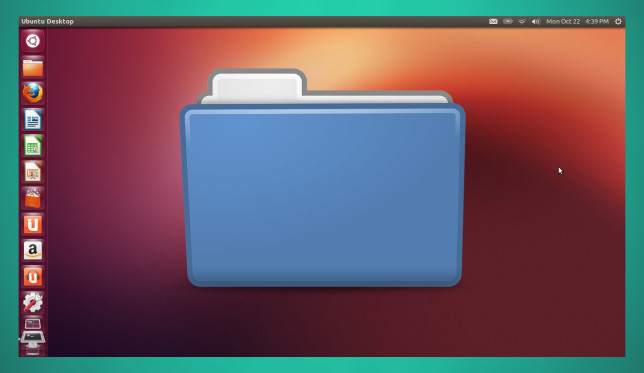
manage-linux-files-644x373Just moved to Linux? Saying goodbye to Windows in favor of an open source alternative such as Ubuntu? Once you make the change, you’ll find a sensible desktop that is easy to use, from installing new apps and launching them to organizing your data. Check this article from MakeUseOf.com