7 Chrome Tools for Quick and Easy Annotations
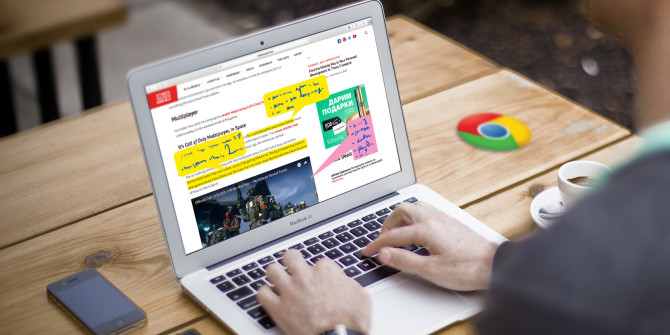
chrome-annotations-tools-670x335Capturing and annotating webpages, images, or portions of articles can be useful for work, school, or even personal research. With tools that allow you to mark up items quickly and easily, Chrome offers a nice selection of extensions. More from this latest article in MakeUseOf.com

3 encryption tools for Linux that will keep your data safe

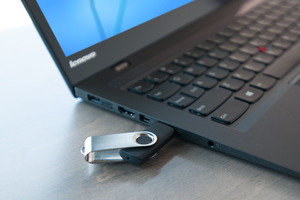
13334048894_db638d5080_k-100688801-mediumEncryption is an interesting thing. The first time I saw encryption in action was on a friend’s Gentoo Linux laptop that could only boot if the USB key with the boot partition and decryption key was inserted. Cool stuff, from a geek point-of-view. Check out these tools from PCWorld.com

How to create Motion Paths in PowerPoint

microsoft_powerpoint_logo_primary-100567251-mediumThe best thing about PowerPoint is the animation. Building motion into slideshows makes them come alive like no static images could ever hope to do. It’s going to get even more interesting when PowerPoint gets 3D capabilities with the Windows 10 Creators Update due in early 2017. Check how on this article from PCWorld.com

8 Tips to Effectively Boost Your Wireless Router Signal

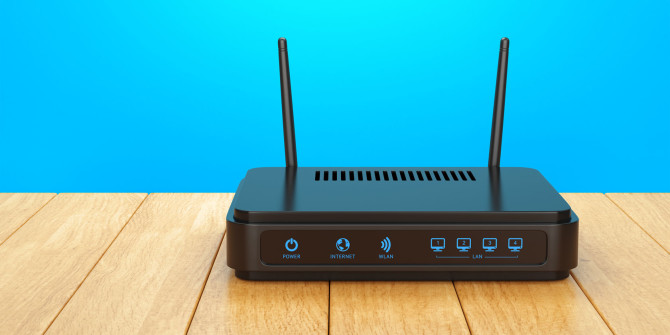
wireless-router-signal-quality-improve-670x335Why does your home’s Wi-Fi coverage insist on being so temperamental?! Dead spots can feel like they appear at random, the connection quality can vary throughout the day, and the router can give the impression it has a mind of its own. More tips from this article in MakeUseOf.com

What Are Google Now Cards? 3 Tips to Get You Started

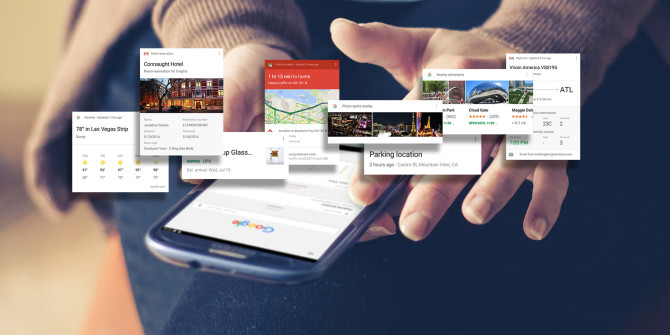
google-now-cards-670x335It’s amazing to see how far Google Now has come since it launched in 2012 — yet perhaps more surprising is how many people don’t use it, and more surprising still is how many don’t know what it is. In short, Google Now is a better, sleeker alternative to Siri. Check out this article from MakeUseOf.com

Windows 10 Build 14965 shows a virtual touchpad that could replace the mouse

virtual-touchpad-100692741-mediumMicrosoft’s latest Windows Insider build 14965 is showing a “virtual touchpad” feature that could replace the mouse—or in any case, make life easier for Windows tablet users. It puts a touchpad on your tablet screen, so you can use that instead of a mouse whenever you connect your device to a larger display. Check out this article from PCWorld.com

When your Windows 10 login password fails, you need a recovery drive

virtualmachineflashdrive_primary-100271885-mediumThe Windows 10 login password went amiss for Albert Pye and about a dozen others who wrote to me saying they couldn’t log into their PCs. In every instance they had not touched their computer nor changed anything, yet all of a sudden their password or PIN was incorrect. Check out this article from PCWorld.com