Google promotes Keep note app to a G Suite core service, much to our relief

7-google-keep-for-android-and-ios-tips-save-a-selection-from-the-web_6-100704290-mediumKeep has always been one of Google’s most unsung tools. A versatile and powerful cross-platform note-taker, it’s great for jotting down thoughts, saving photos, making to-do lists—just about anything we need to access quickly throughout our day. More information on this article from PCWorld.com

The 5 Best Ways to Create a Web Store

ways-create-web-store-382x255If you want to sell online but don’t know where to start, this article is for you. We’ll walk you through some big benefits and pitfalls of creating and running your own web store, and give you a head start on the road to digital entrepreneurship. Get to know more of this article from MakeUseOf.com

How to Supercharge Window Management in Windows 10

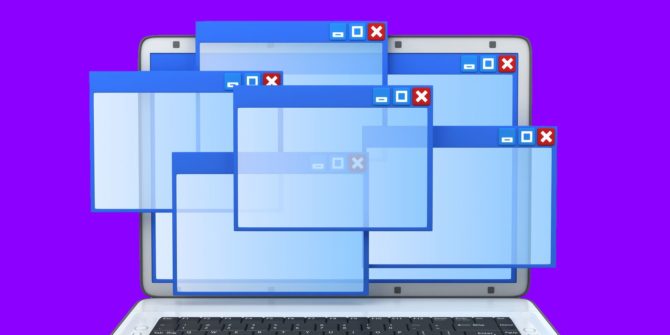
AquaSnap-Window-Management-Featured-670x335Any Windows user who works with more than one program at a time knows that your workspace can quickly become messy. Thankfully, there are all sorts of ways to control your Windows desktop to keep it from getting unruly, thanks to Windows 10’s multiple desktops and easy window snapping. Check out this article from MakeUseOf.com

An Effortless Way to Set Reminders With Trello

C5asVfMWAAApqgpWhen you forget your goals, you fail.

Trello is an incredibly easy tool for your own goal management system. They can be simple project goals or big picture intentions like your life. In an earlier article, I had used Trello to create a vision board for an entire bucket list of life dreams. Check out this tool from this article in MakeUseOf.com

Windows Maps vs. Google Maps: 7 Features Windows Does Better

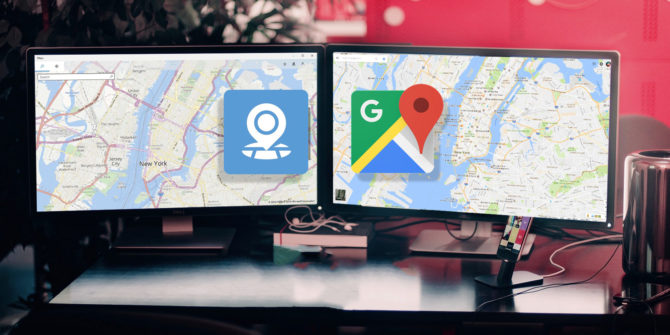
windows-maps-google-maps-670x335When you think about using a maps app, your mind almost certainly pictures the ubiquitous Google offering. It’s testament to both the quality and dominance of the company’s product. More information from this article in MakeUseOf.com

How to Enable/Disable the On-Screen Keyboard in Windows 10

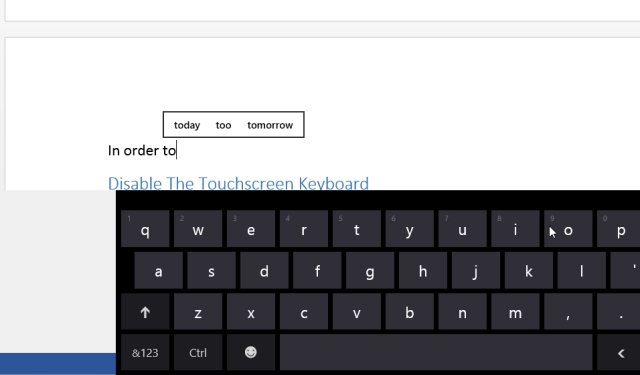
muo-w8-keyboard-desktopThe Windows 10 on-screen keyboard comes to your rescue when the physical keyboard stops responding. And while the on-screen keyboard is part of the built-in Ease of Access tools, its utility goes beyond the needs of the physically-challenged or the elderly. Check out this article from PCWorld.com

How to make Word custom bullet points to enhance your documents

word_primary-100025314-large-100259787-mediumWord’s bullet point function is essential for breaking up vast piles of text, especially if you can’t use graphics or photos in your documents. Word’s standard list of bullets will cover many situations, but making custom bullet points can add polish or humor to your content. Check out this article from PCWorld.com