Pay What You Want: The A to Z Microsoft Office Training Bundle
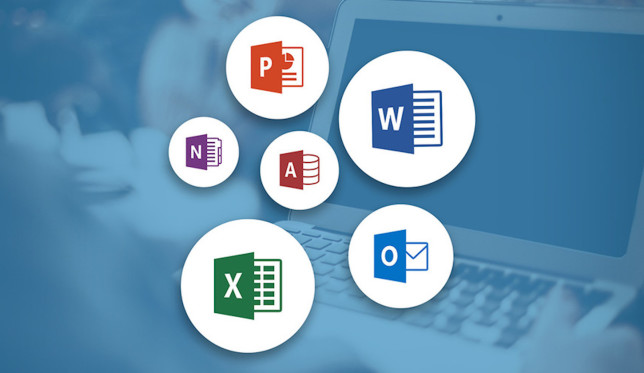
MUO-MS-644x373From Excel to Access, these 10 Courses will let you master all the Microsoft Office programs at a price you choose. And some even goes to charity!

To get all the courses, you need to beat the average, which is around $14 as of this writing. However, if that’s too much for you, then you can still get two awesome courses for any price you want. Check this article from MakeUseOf.com

Google to bring ‘Gboard’ features to Android

gboard-100660784-largeIf you’re a dedicated Android fan, you don’t need to storm the gates of Mountain View with torches and pitchforks just yet over Google’s new iPhone-only keyboard Gboard.

That’s because Google plans to bring over the slick search features, though we just don’t know exactly when. A member of the Gboard team offered this detail when asked during a Producthunt chat. More information from PCWorld.com

These 6 Things Are Killing Your Productivity and You Don’t Even Notice

LessProductiveFeat-644x373Productivity is one of those nebulous things. You feel it, and you know when you’re being productive, and you most definitely notice when you’re not. Often, it can be hard to realize why the productivity juices are flowing and why they aren’t. Check out this article from MakeUseOf.com

12 Neglected Windows 10 Apps & Why You Must Try Them

neglected-windows-apps-644x250These brilliant (but neglected) Windows 10 apps can transform the way you work.

Windows 10 comes with many useful default apps that are easy to overlook – either because you’re unaware of their existence, or because you use a third-party program for the same tasks. Check out this apps from MakeUseOf.com

Excel pro tips: How to create, define, and use Named Ranges

Working with ranges in Excel is a fast and simple way to identify, define, or refer to a single cell, a range (or group) of cells, a specific or constant value, or a formula. Then you can use those range names in your formulas or macros to replace values or cell references, or to quickly and more easily navigate through your spreadsheets and workbooks. It’s also a more efficient way to manage the various processes that you’ve created in your worksheets. For example, ranges are often named after the field (or column) names that define their contents. Check out this tips from PCWorld.com

How to Use Google Forms to Create an Interactive Workflow

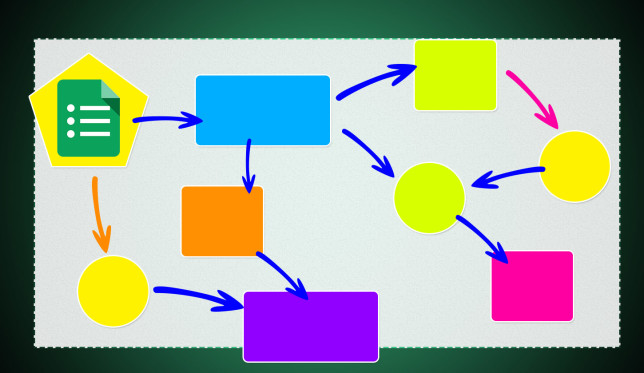
google-forms-workflow-644x373Google Forms is the office workflow interface you didn’t know you needed.

Google Forms isn’t just another simple survey tool. In its most simple form, it’s a free data collection tool. With a little know-how, you can unleash the combined power within Google Forms, Google Sheets, and Add-ons to create some powerful workflows to help you get more done in the office. More of this article from MakeUseOf.com

How to Make a Slideshow with Windows Movie Maker

create-slideshow-movie-maker-644x373A slideshow is a great way to share your best photos and videos with friends and family. Rather than locking them in a dark room with you, create a digital slideshow that you can email or share on social media. Check this article from MakeUseOf.com