Windows users face massive update bloat, tough choices
 Windows 10’s cumulative updates have ballooned in size, and a similar bloat will also affect the Windows 7 updates that Microsoft revamped this month. More of this article in PCWorld.com

Windows 10’s cumulative updates have ballooned in size, and a similar bloat will also affect the Windows 7 updates that Microsoft revamped this month. More of this article in PCWorld.com
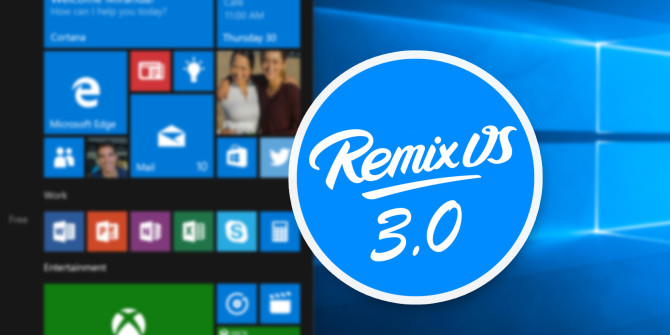 Want to run Android apps on Windows? Meet Remix OS Player, the latest from Jide Technology.
Remix OS Player virtualizes a desktop version of Android inside of the Windows operating system. Basically, it’s like the Android emulator BlueStacks with one exception: it runs almost any Android app. Here’s how to get started. Check out this article in MakeUseOf.com
 There are many reasons to prefer OneNote over its alternatives, but the user interface can be quite hit or miss. Some people don’t like how OneNote looks out of the box, and maybe you’re one of them. The good news is, these tweaks may make it more appealing. Check out this article in MakeUseOf.com
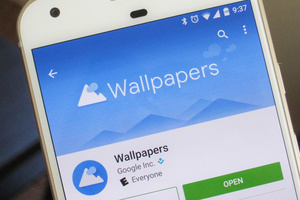 Google is offering you a tiny taste of the Pixel experience on your Android phone.
The official Wallpaper picker that is part of the Pixel launcher is now an app on the Play Store, although the best features are still reserved for Google’s new phone. Check out this article in PCWorld.com
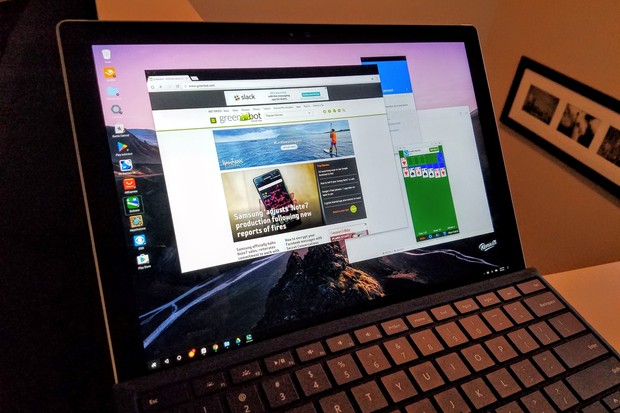 From time to time you’ll hear about yet another effort to bring Android to the desktop. Yes, there’s an official effort to do this straight from Google by bringing the Play Store to a select number of Chromebooks. Check out this article in PCWorld.com
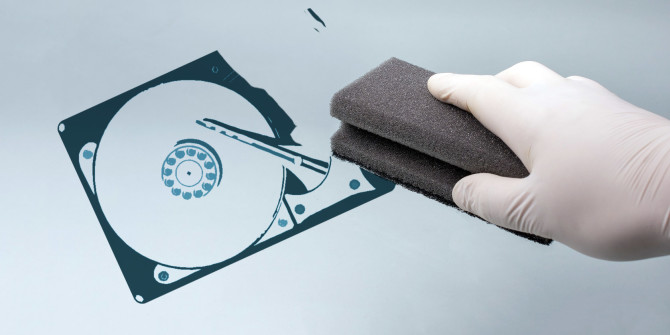 Did you know that formatting a hard drive doesn’t actually delete the data stored on it? Recovering data after a hard drive has been formatted is actually quite simple. Get some tips on this article in MakeUseOf.com
 If you open up Notepad or Microsoft Word or any other text editor or word processor and then press and hold any letter key on your keyboard, you’ll notice two things: 1) the letter is typed and followed by a slight pause, then 2) the letter gets typed some more in rapid succession until you release the key. Check out this article in MakeUseOf.com