Got a New Mac? Do This First!

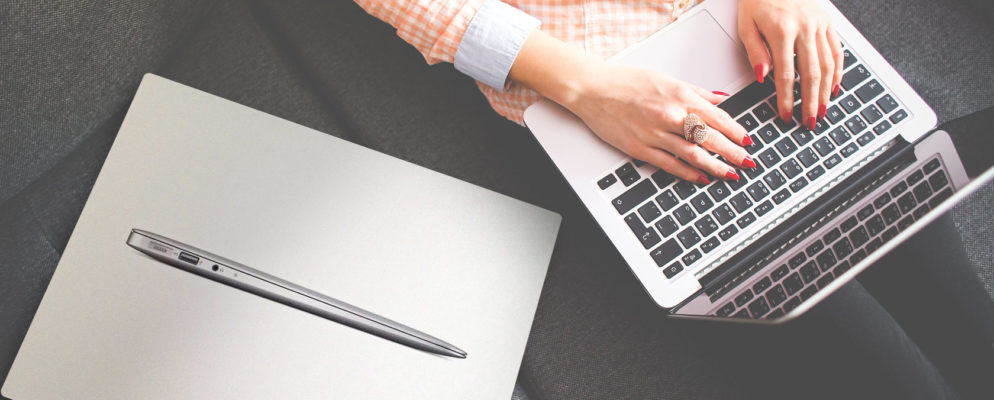
new-mac-first-things-994x400So you bought a new Mac… now what? It’s time to get it set up and ready to rock. For the most part, everything you need is ready to go. But there are a few things you should make sure to do before you start using your Mac on a regular basis. More of this article from MakeUseOf.com
Simple Siri Tricks and Commands You Have to Try on Your Mac

mac-siri-tricks-670x335I’ll be the first to admit that a voice assistant isn’t that helpful in a system where your fingers are on the keyboard most of the time. But there’s no reason to write off Siri for Mac just yet. Check out this article from MakeUseOf.com

How to Import & Export Your Passwords in Chrome

Export-Chrome-Passwords-Featured-670x335Browsers are password managers in their own right. Chrome isn’t bad at it, but it can be better.

Chrome allows you to view and manage your passwords without effort but with some security downsides. So, if you are among the newly enlightened, you would like to export your saved passwords to a third-party password manager. You may also want to betray the ranks and go over to another browser. Check out this latest article from MakeUseOf.com

Gmail will block JavaScript attachments, a common source of malware

160229-gmail-100647649-mediumStarting Feb. 13, Google will no longer allow JavaScript attachments on its Gmail service, killing one of the main methods of malware distribution over the past two years. Check out this article from PCWorld.com

The PC Repair Toolkit in Your Pocket: Boot CD on a USB Stick

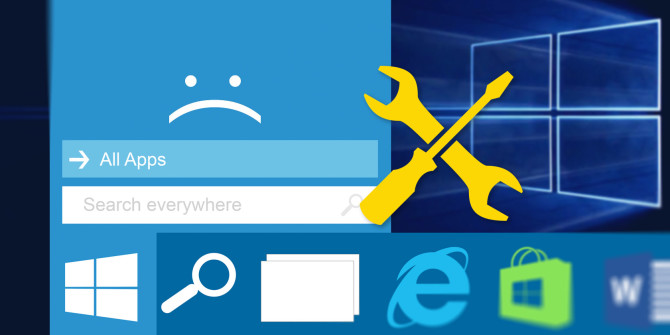
fix-start-menu-windows-10-670x335Out of all the tools at a technician’s disposal, one is the most important. Inside my technician’s toolkit I keep a USB flash drive loaded with the most amazing tools on the planet: my PC repair toolkit. Check out this article from MakeUseOf.com

Four lesser-known Wi-Fi security threats and how to defend against them

thinkstockphotos-481570204-100705677-mediumIt’s common knowledge that the best way to protect your home Wi-Fi network is by using a strong password. This will keep uninvited guests away and protect your network so eavesdroppers can’t intercept your communications. And we’ve known for more than a decade now that the old Wired Equivalent Privacy (WEP) is so insecure that cracking it is practically child’s play. More of this article from PCWorld.com

How to change Windows 10’s default web browser to Chrome, Firefox, or Opera

windows-10-firefox-100599858-mediumWhen you upgrade to Windows 10 from another version of Windows, the operating system pulls a nasty trick that could confuse non-techies that don’t know how to go digging around in system settings. The express installation option—a.k.a. the one non-technical users will choose—automatically sets your default web browser to Microsoft’s new Edge, even if you defaulted to Chrome, Firefox, Opera, or another web browser in Windows 7 or 8. Check out this article from PCWorld.com