AI-based typing biometrics might be authentication’s next big thing

dsc02671-100706102-mediumIdentifying or authenticating people based on how they type is not a new idea, but thanks to advances in artificial intelligence it can now be done with a very high level of accuracy, making it a viable replacement for other forms of biometrics. Check out this article from PCWorld.com

5 Dropbox Tips to Get More Done

Dropbox-Productivity-Tips-Featured-670x335Did you know that Dropbox has a lot more features than just cloud storage? It’s great for storing your files in a place where you can always access them. In addition, Dropbox offers some great productivity tools. Get to know more of this article from MakeUseOf.com

How to Reset Your Lost Windows 10 Password

windows-10-homescreen-670x335When passwords go wrong, they cause huge problems. Making stupid mistakes with your passwords can leave them vulnerable to hacking, and everyone forgets sometimes, even if you’re set up a memorable password. More of this article from MakeUseOf.com

How to clear unwanted autofill entries in Google Chrome

browser-773216-100599823-mediumHave some incorrect or outdated autofill entries in Chrome? Here’s some tips on getting rid of them. Check out this article in PCWorld.com

How to Set Up Your Printer in Windows 10

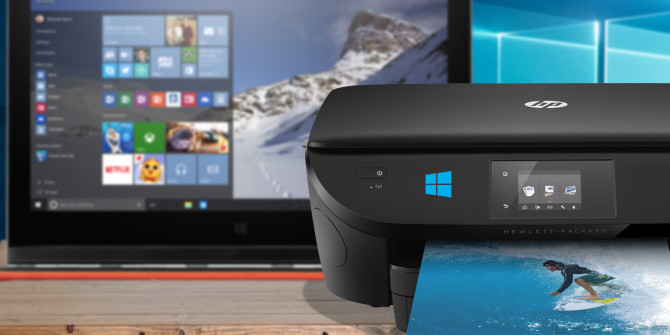
setup-printer-windows-10-670x335Printers have a reputation for being fiddly things to set up, but in Windows 10 it’s actually very easy to get your printer up and running. We’ll guide you through the different methods you can use to get Windows 10 to detect and connect to your printer. Take a look at how on this article in MakeUseOf.com

Windows 10’s Cortana now makes it easy to list who’s naughty or nice

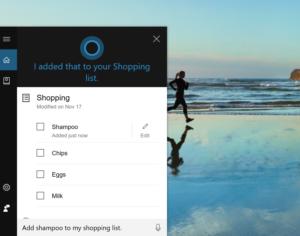
cortana-add-shampoo-to-my-shopping-list-100694380-mediumJust in time for the holidays, Windows 10’s Cortana has added a new feature: list-making, which you can use to add all sorts of shopping items, to-do tasks, and other items as you think of them. Get this list from this article in PCWorld.com

Run Android Apps on Windows With Remix OS Player

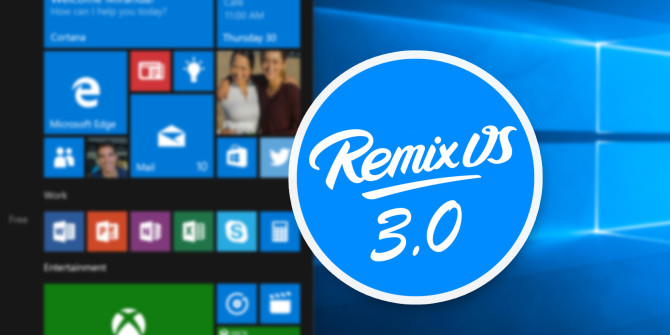
android-pc-remix-os-670x335Want to run Android apps on Windows? Meet Remix OS Player, the latest from Jide Technology.

Remix OS Player virtualizes a desktop version of Android inside of the Windows operating system. Basically, it’s like the Android emulator BlueStacks with one exception: it runs almost any Android app. Here’s how to get started. Check out this article in MakeUseOf.com