How to change your phone’s name in the Google Play Store
 One of the many strengths of the Google Play Store is that you can download apps and manage purchases right from your web browser. Check out this article in PCWorld.com

One of the many strengths of the Google Play Store is that you can download apps and manage purchases right from your web browser. Check out this article in PCWorld.com
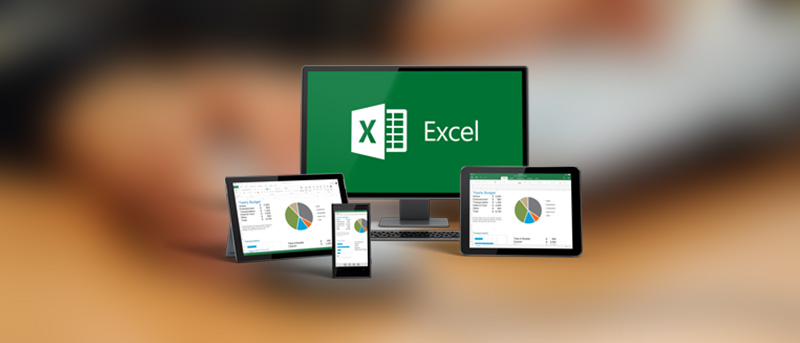 Did you know Microsoft Office, including Excel and Word, supports add-ins? Excel add-ins can help you get through your tasks quicker because you never have to leave your Excel workbook. Check this article in MakeUseOf.com
Photo by: MakeTechEasier.com
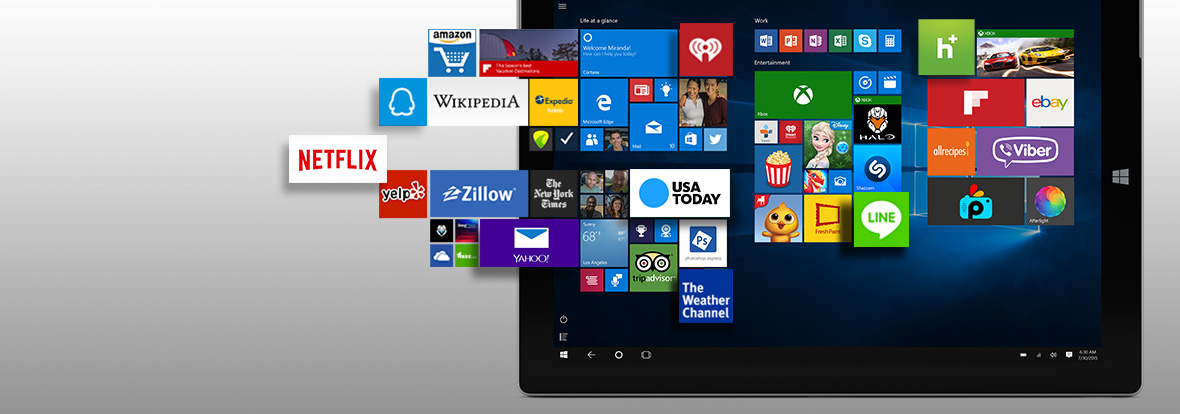 Say what you will about the giant from Redmond, Microsoft can be pretty awesome. It’s a technology giant that employs thousands of the world’s smartest engineers, and ends up building some really cool things. Check out this article in MakeUseOf.com
Photo by: Microsoft.com
 To protect users from cryptographic attacks that can compromise secure web connections, the popular Firefox browser will block access to HTTPS servers that use weak Diffie-Hellman keys. More of this article from PCWorld.com
 None of us like wasting time when we’re trying to get stuff done. Every second spent shuffling around open windows or navigating menus is precious time not spent achieving your goals. Fortunately, Microsoft stuffed Windows with all sorts of secretly powerful tools, as we’ve covered in-depth in both 17 obscure Windows tools and tricks too powerful to overlook and 15 simple, secret Windows tips and tricks designed to save you time. Check out this article in PCWorld.com
 I’m an Apple fan. I love my iPhone and Mac. But I’m also a tech writer. I’ve always followed the latest Android developments. I’ve tried some of the flagship phones. My choice to use an iPhone isn’t some thoughtless, fashion-following attempt to buy the coolest phone, it’s a deliberate decision. An iPhone fits my needs. Check out this comparison from MakeUseOf.com
Photo by AllThingsCellphone.com
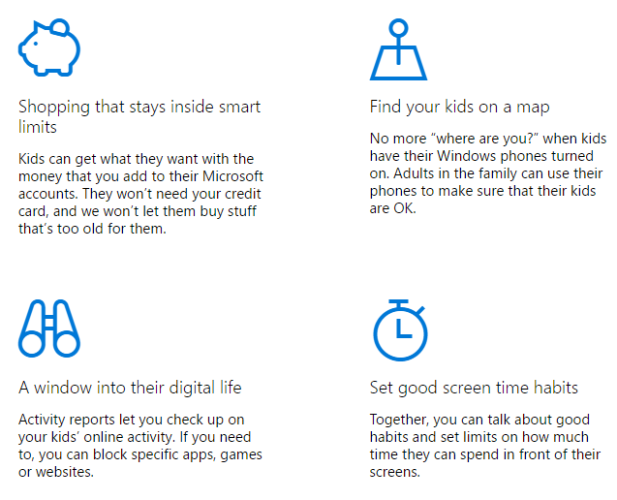 How do you view your photos on Windows? What app do you use if you want to make simple edits to a video? And which app are you relying on for your desktop email client? For lots of you, the answer will be one of the Windows Essentials programs. Check out this article in MakeUseOf.com