How to Create a Parallax Desktop Background With Rainmeter
 Rainmeter remains the champion in Windows customization because users continue to find creative ways to use the program. Check out more of this article from MakeUseOf.com

Rainmeter remains the champion in Windows customization because users continue to find creative ways to use the program. Check out more of this article from MakeUseOf.com
Here’s what’s in the box: Cortana, which is now accessible from the lock screen, is more ubiquitous than ever. Extensions finally make Microsoft Edge usable. Windows Hello improves, Skype’s reboot seems to be on the right track, and underneath it all are even more thoughtful tweaks that improve Windows 10’s overall experience. The new Windows Ink is intriguing, if only partially baked. One or two features you may have expected aren’t quite ready. More information from PCWorld.com
 Microsoft’s Edge aspires to be your browser for the modern Web, the board on which you surf the Internet within Windows 10. It’s certainly functional. But how do you use it effectively? We can show you. Check out this article from PCWorld.com
 You’ve had your computer for some time now and it’s been a match made in paradise. That is, until you noticed that your computer no longer runs like it used to. What took a couple of seconds to load now takes a couple of minutes, and you need a change. Check out this article from MakeUseOf.com
 You’ve heard of firewalls, but what are they really for? Do they stop viruses? Can you manage without one? More information on this article from MakeUseOf.com
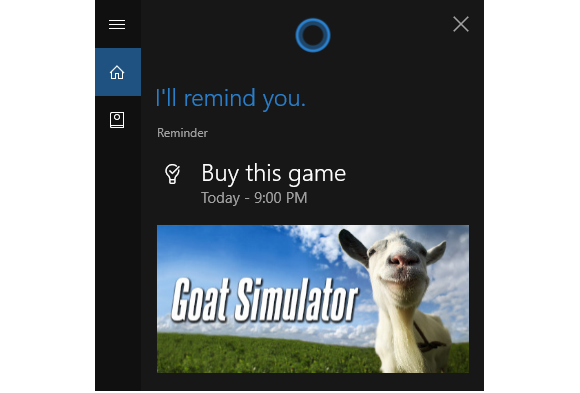 There are just two weeks to go until Windows 10’s Anniversary Update rolls out to a PC, tablet, or phone (don’t laugh) near you. To help familiarize you with the big update here’s another nice little feature included in the new version of Windows 10: photo reminders in Cortana. Get the tips on this article from PCWorld.com
 Excel does its best to handle hyperlinks such as email addresses and URLs, even though they’re incredibly awkward to shoehorn into spreadsheets. If you have only a few links in your spreadsheet, no problem. But hyperlinks use memory, and lots of hyperlinks in a spreadsheet, document, or email can slow your system to a crawl, crash the open file, or refuse to open the file (usually with a ‘not enough memory’ error message). Check out this article from PCWorld.com