How to Use Your Android Phone to Replace Your Desktop PC
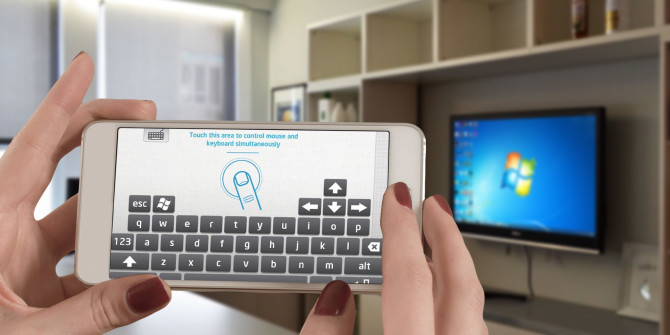
remote-keyboard-670x335Most Android smartphones today are more powerful than we give them credit for.

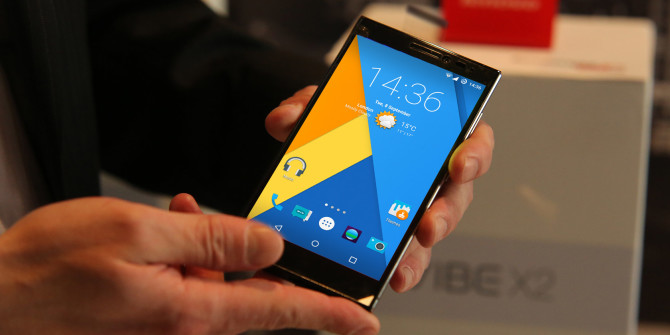
You use your phone for email, you type up notes, you probably do some image editing, you play games — and so much more. For all intents and purposes, this smartphone sitting in your pocket is a personal computer. It’s arguably as powerful as many devices sitting on desks in offices around the world. So why not use it to replace your desktop PC? Check out this article from MakeUseOf.com
You Don’t Have to Be a Slave to Your Browser

uninstall-chrome-extensions-670x335Round and around the disagreements go regarding the best browser. As those wars continue, one thing is for certain. You do not have to be a slave to a single browser. Who says you can only use one? The answer is nobody. So, break the rules, experience the freedom, and enjoy the flexibility. Here are five reasons why. Check out this article from MakeUseOf.com
How to Install a Custom ROM on Your Android Device

android-custom-rom-670x335The ability use custom ROMs is one of the great joys of Android.

A custom ROM contains a whole new build of the Android operating system. To be able to install — or flash, as it’s known — a ROM offers huge benefits. More from this article in MakeUseOf.com

How to create Motion Paths in PowerPoint

microsoft_powerpoint_logo_primary-100567251-mediumThe best thing about PowerPoint is the animation. Building motion into slideshows makes them come alive like no static images could ever hope to do. It’s going to get even more interesting when PowerPoint gets 3D capabilities with the Windows 10 Creators Update due in early 2017. More of this article from PCWorld.com

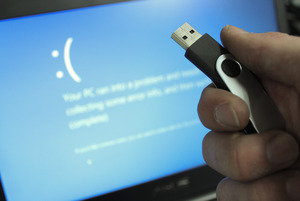
Everything you need to know about Windows 10 recovery drives

bootdrivebsod_primary-100058676-mediumYou never know when you’ll need a Windows recovery drive, so the time to make one is now—and it’s very easy to do. Check out this article from PCWorld.com

How to stop animated GIFs in Chrome and Firefox

chrome-logo-100437066-largeSome people find them annoying but animated GIFs can be a lot of fun, at least the first few times you see them. After that they tend to lose their appeal, especially when you’re trying to read something right next to them. Most of the major browsers don’t offer a built-in way to control them. For those who care, however, you can take control of animated GIFs on Google Chrome and Mozilla Firefox through the magic of add-ons and extensions. Check out this article from PCWorld.com

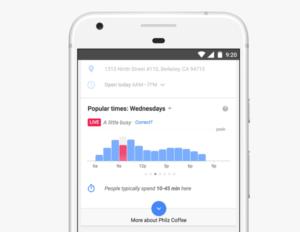
Google Maps will now tell you how busy a place is in real time

google-maps-live-100695105-mediumSo you want to head over to that trendy new taco stand, but you’re not sure if the line is going to be around the street corner. Get to know more of this article from PCWorld.com