4 Ways to Reduce the Size of a PDF File
introDo you have huge PDF documents? Maybe you want to reduce the size of those PDF files. Perhaps copies of your class notes are just taking up too much space. The PDF you’re trying to send as an attachment might be just too large. Or a hefty PDF file you regularly open might take too long to fully load. Check out how on this article in MakeUseOf.com
How To Mirror The iPhone Or iPad To Your TV

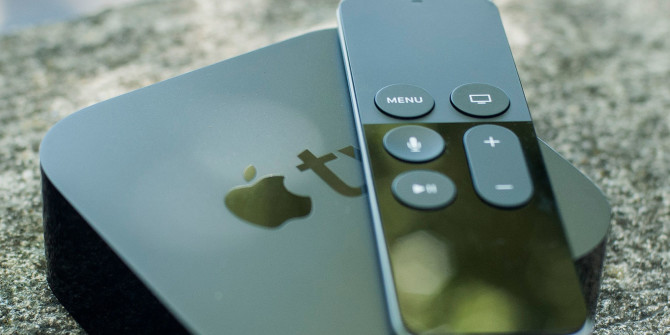
apple-tv-hero-670x335Don’t get stuck watching video or playing games on the small screen, your iPhone or iPad can also be used with larger displays. There are a few ways to watch iOS content on a TV, projector or any HDMI-compliant display. Check out this article in MakeUseOf.com

Are Cheap MacBook Adapters Safe or Worth It?

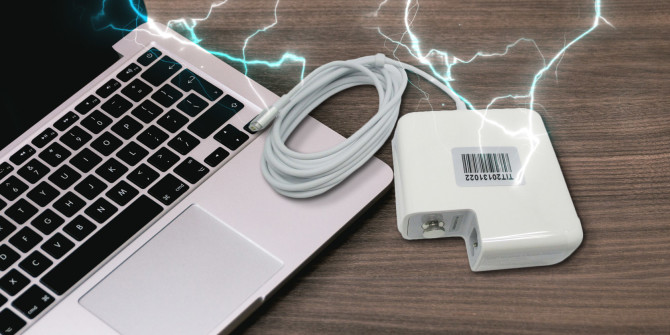
cheap-macbook-adapter-670x335When you need to replace your MacBook charger, there are plenty of options other than an $85 official one. But is buying a third-party adapter a good idea? They’re definitely cheaper, but are they safe? I did some research to find out and the answer, as you might expect, is a little complicated. Get to know more from this article in MakeUseOf.com

Android TV home screen bloat and how to fix it

mixboxscreen-100692769-mediumTake back control of your home screen on the Xiaomi Mi Box, Nvidia Shield Android TV, and Nexus Player with these tips. More from this article on PCWorld.com

How to use Bing Saves to prepare for the holidays

binglogobig-100695000-mediumMicrosoft recently introduced Bing Saves, which is a similar service to Google Save. It lets you quickly save videos and images from various search results for later perusal. Check out this article in PCWorld.com

How to see Wi-Fi passwords on an Android phone

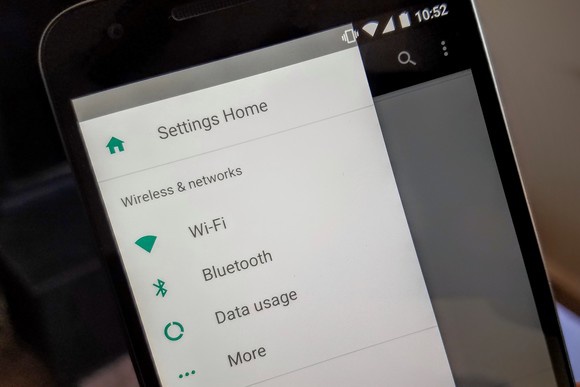
android-nougat-settings-100678916-largeIf you’ve rooted your phone—or are willing to root your phone—you should be able to use a file manager such as ASTRO or Root Browser to find it: More from this article in Greenbot.com

8 Android gestures that speed up everyday tasks

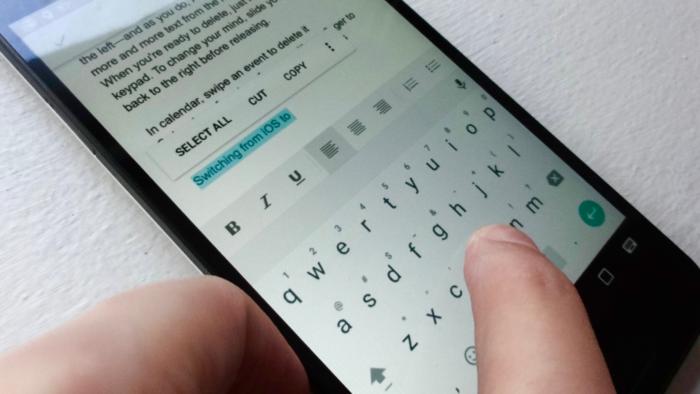
8-gotta-know-android-gestures-swipe-delete-key_8-100693609-largeNavigating your way around a new Android device will get a lot easier once you’ve mastered a few handy touchscreen gestures. Check out this article in PCWorld.com