Google Clock 6.4 brings app shortcuts and a smarter stopwatch
 Google’s Clock app is probably not one that has you rushing off to check for updates regularly. But this time you may want to reconsider that stance. More of this article in PCWorld.com

Google’s Clock app is probably not one that has you rushing off to check for updates regularly. But this time you may want to reconsider that stance. More of this article in PCWorld.com
 Gmail lets you create sublabels for any label, which effectively puts the emails in those sublabels in two categories, making them easy to find. Here’s how it works. More on how it works in PCWorld.com
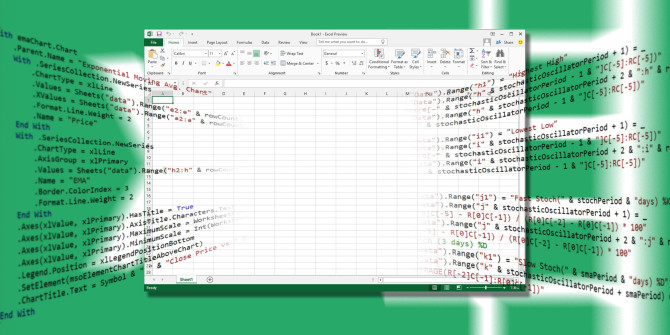 If you’re using Excel, you have to try this power tool!
Visual Basic for Applications (VBA) is the Microsoft Office programming language that allows you to create macros and userforms, add a message box, execute code inside a document in response to a trigger, and much more. With VBA you can supercharge your Excel spreadsheets. And you just have to learn a little bit about coding. Get to know more of this article in MakeUseOf.com
 With the many years that Windows has behind it, it’s no surprise what a wealth of software exists for the platform. Over the life of your Windows installation, you’ve probably picked up a variety of programs yourself. Check out this article in MakeUseOf.com
 Now that even washing machines have touchscreen controls, front-end developers are in serious demand. Anyone can learn to create stunning (and seamlessly functional) websites and apps with the Ultimate Front End Development Bundle from MakeUseOf Deals. Now just $39, this 8-course bundle is an ideal starting point for aspiring developers. Get to check out this article in MakeUseOf.com
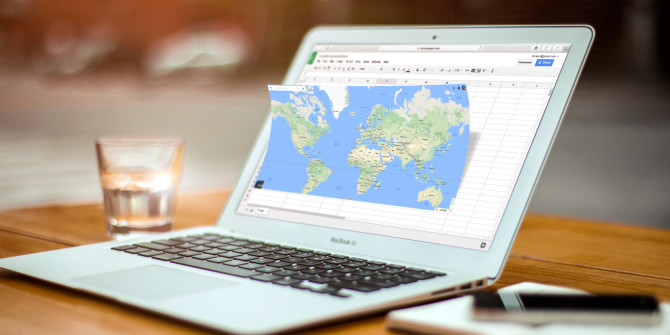 Google Maps is easily one of Google’s greatest achievements. It allows millions of people, every day, to find their way, share directions, and so much more. The usefulness of Google Maps extends far beyond the features you find on the site. Get to know more of this article in MakeUseOf.com
 If you’ve wrestled with Windows 10, you’ve undoubtedly heard of PowerShell. If you’ve tried to do something fancy with Win7/8.1 recently, PowerShell’s probably come up, too. After years of relying on the Windows command line and tossed-together batch files, it’s time to set your sights on something more powerful, more adaptive—better. Check out this article in PCWorld.com